
How Do You Cancel an Invoice in Canada?
An invoice is a legally binding document. It is raised and sent to the customer in order to collect funds for purchases which they have bought or for services performed. As such, the invoice should not be deleted with the intention of canceling it. The available options will now be discussed.
Generally, there are two ways to cancel an invoice from the accounting record. The first is to post a credit note, and the second is to void the invoice. Next will be a discussion on both of these ways to cancel the invoice.
What is a Credit Note and How Does it Help to Cancel the Invoice?
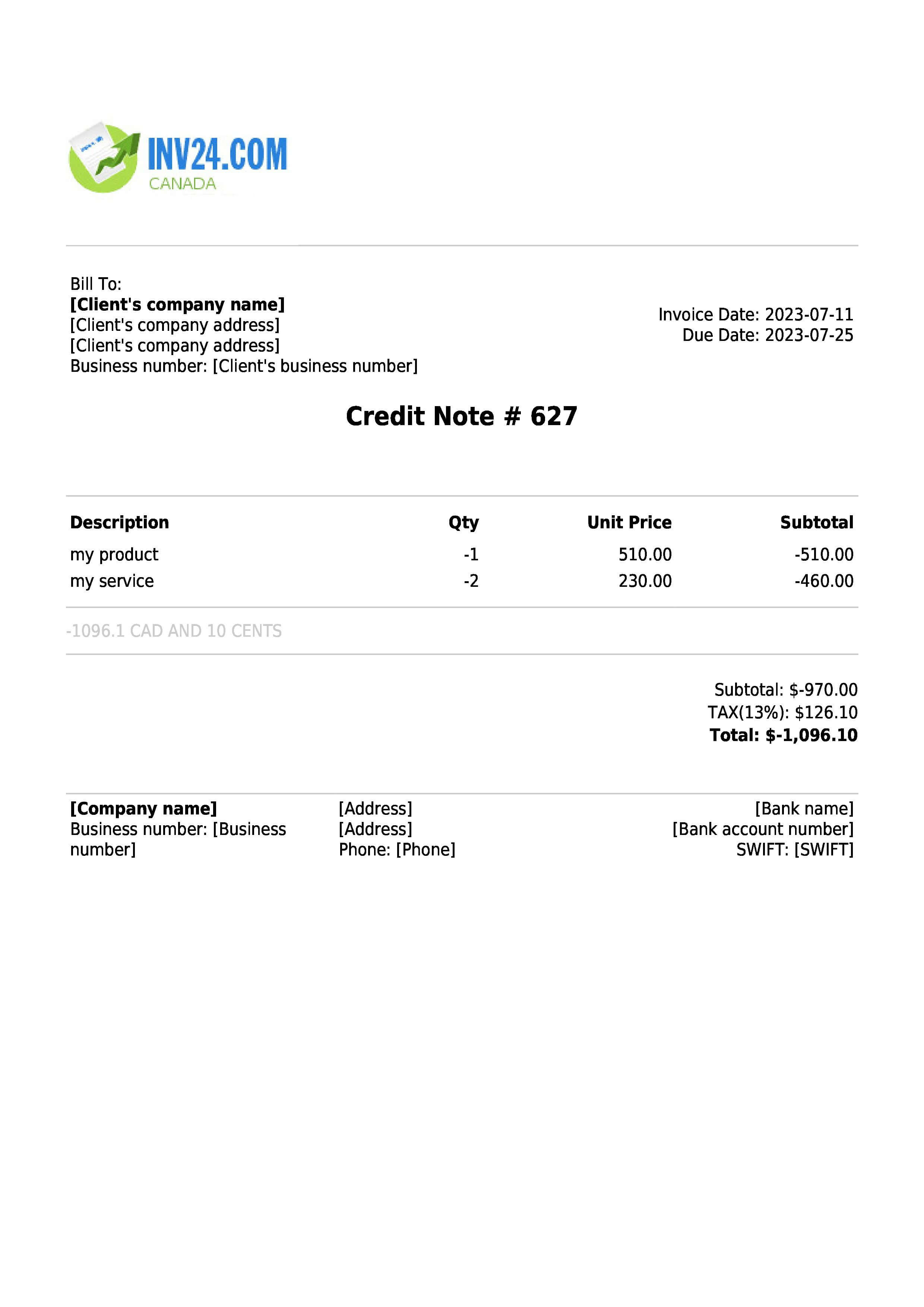
A credit note is generated by the seller or supplier and this acts to cancel the invoice sent to the customer. However, since the invoice is a legally binding agreement between seller and buyer, it must remain part of the accounting record and therefore, should not be deleted. The credit note is used as a source document, to create a contra entry for the receivables that were created at the time of generating the invoice.
In other words, a credit note is a contra document to the invoice. Next will be an understanding of accounting based on the invoice and credit note.
The invoice records receivables from customers with the following journal entry:
| Description | Debit | Credit |
| Accounts receivable | XXX | |
| Sales | XXX |
The debit impact of the above transaction records accounts receivable. This is because economic benefits are expected to flow in the business when this balance is settled. On the other hand, the credit impact, records revenue for the business.
On the other hand, a credit note will record the follow journal entries:
| Description | Debit | Credit |
| Sales | XXX | |
| Accounts receivable | XXX |
The debit impact removes sales that were recorded in the accounting ledger. On the other hand, the credit impact removes receivables from the accounting books.
It is important to note that the accounting entries for the invoice and credit note contradict each other. So, in this way, the credit note is used as a tool to cancel the invoice.
We have just discussed the use of a credit note to cancel an invoice. There is another alternative to using a credit note to cancel an invoice and that is what is known as voiding the invoice and this will now be discussed.
What is Meant by Voiding the Invoice?
Voiding the invoice is a process that converts the sales or receivable amount to zero in the accounting record or system. In this way, the invoice remains part of the accounting system, however, the related amount of the invoice is converted to zero. In other words, voiding the invoice keeps the invoice as part of the accounting system. However, it does not carry any weight in terms of numbers such as, sales or revenue, and accounts receivable. The voiding of the invoice still keeps the invoice number and other details as part of the accounting record or system. However, since it is converted to a zero amount it will not have any impact on the trial balance or financial statement of the business.
Conclusion
An invoice is a legally binding document which is generated by the seller and sent to the buyer to request payment for goods or services. If, for any reason, there is a need to cancel the invoice, it should be done by following certain protocol.
There are two ways in which an invoice can be cancelled.
The first way is to create a credit note in the accounting record. This then creates a contra-accounting entry. It involves the reduction of the receivable balance from a specific customer. In other words, the receivable balance is removed from the accounting books.
The second option is to void the invoice. Voiding the invoice means that the invoice amount is reduced to zero. However, the rest of the details of the invoice, including, invoice number, date, and sequence, all remain part of the accounting record.
In summary, if there is a need to cancel the invoice, it should be done by one of the two ways just discussed. That is, via a credit note or by voiding.
CREATE CREDIT NOTE ONLINE
Good to Know: